
Recraft MCP. Turn your
into a
design
Images and editable SVG files from Recraft and other top models, right in your AI chat, on any Recraft plan, including free.
How to connect Recraft to Claude
Works in Claude on the web and in the desktop app.
Opens Claude with Recraft filled in. Click Add, then Connect.
Didn’t work?
- Free plans allow one custom connector. Remove yours in Customize → Connectors and try again.
- On Team and Enterprise plans, only an owner can add connectors. Send them this link.
Ask in chat. Get a real file
Recraft answers inside the conversation with a file you can download, edit and ship: a logo as SVG, an ad with readable text, a product shot on a new background.
Make a wordmark logo for my slow travel brand Nowhen with Recraft. Bold serif letters with a wave in the N, white on red. I need an SVG.
Generating with Recraft…
Here is your logo. The SVG is ready to download and edit.

Try these ideas
Copy a prompt, paste it into Claude and get the same kind of result. Every prompt works on a free Recraft account unless marked.

Use Recraft to design a wordmark for my planner app Dayspan: rounded white lowercase letters with a looping “y” on a bright orange background, two colors, flat. Give me the SVG file.
A logo for your brand
Comes back as an editable SVG you can open in any design tool.
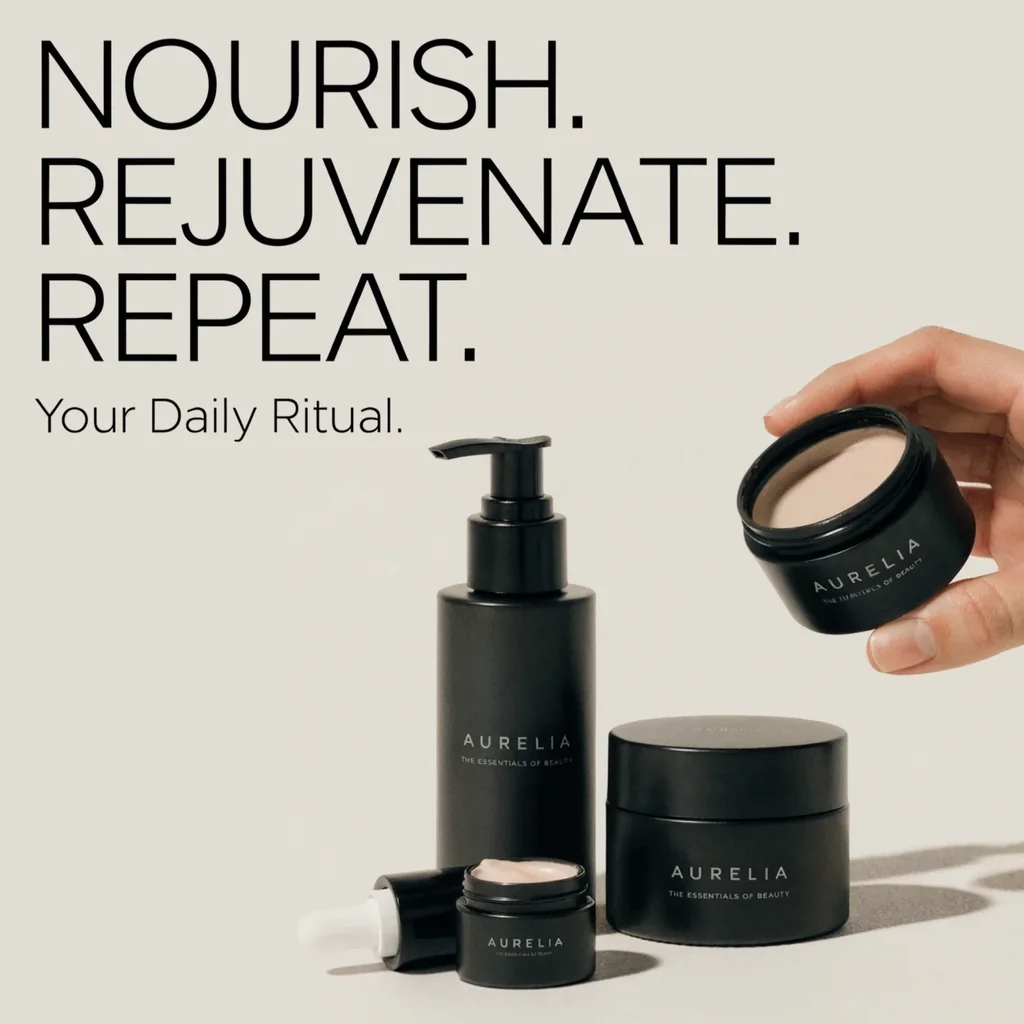
With Recraft, make a square Instagram post for my skincare brand Aurelia: the headline “Nourish. Rejuvenate. Repeat.” in thin uppercase type, the line “Your Daily Ritual.” below it, matte black jars and a pump bottle on a warm off-white background, a hand lifting an open jar, soft daylight shadows.
A post to show off your products
A ready-to-post Instagram image with your headline spelled right.


Use Recraft to replace the background of my product photo with a sunlit peach studio set with soft leaf shadows.
A studio shot of your product
Turn an everyday photo of your product into a polished shot in a new setting.

Use Recraft to create four matching line icons for my app (a coffee cup, a phone, a shopping bag and a sparkle) as SVG files and save them to public/icons.
Icons for your app
Ask in Cursor or Claude Code and get SVG files right in your project.
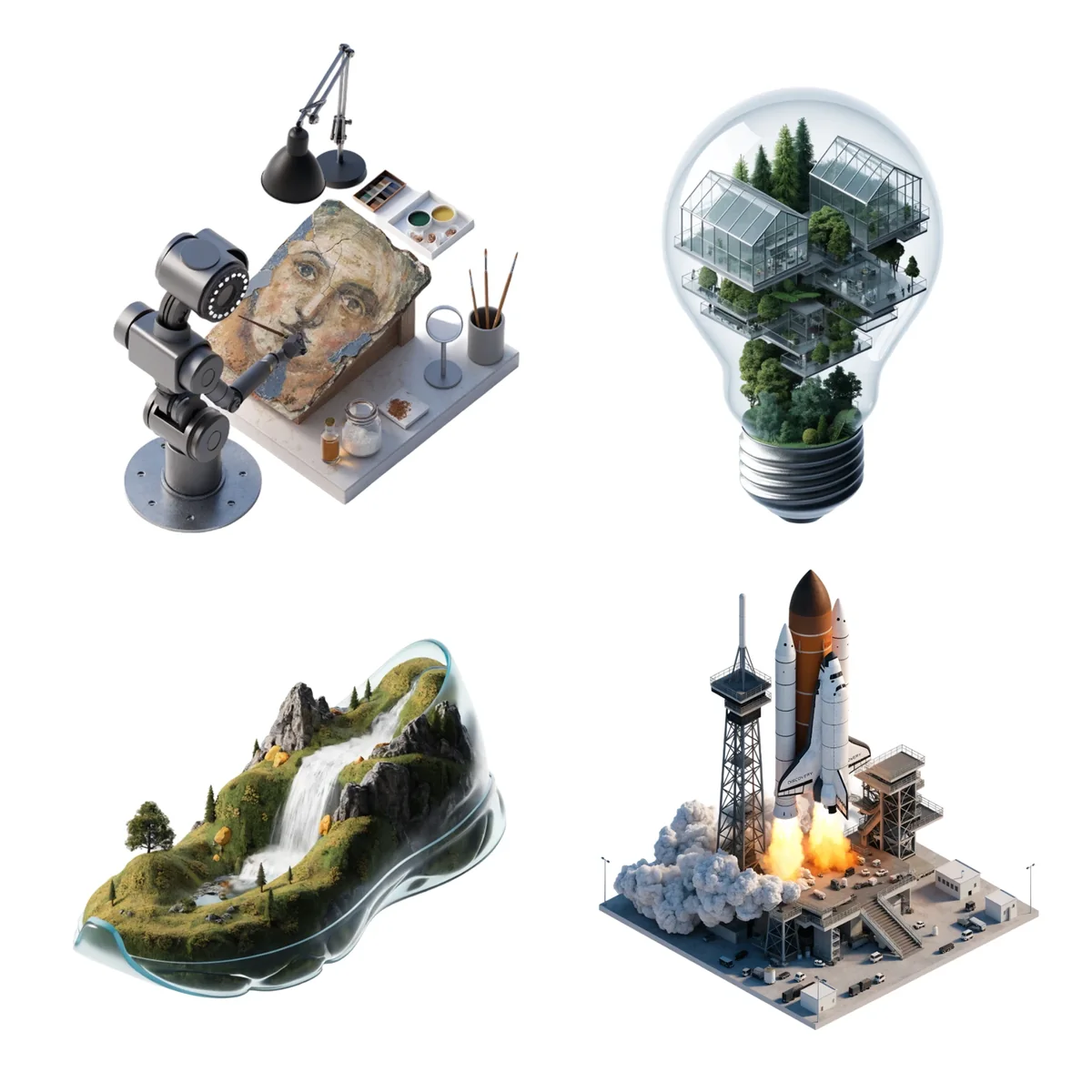
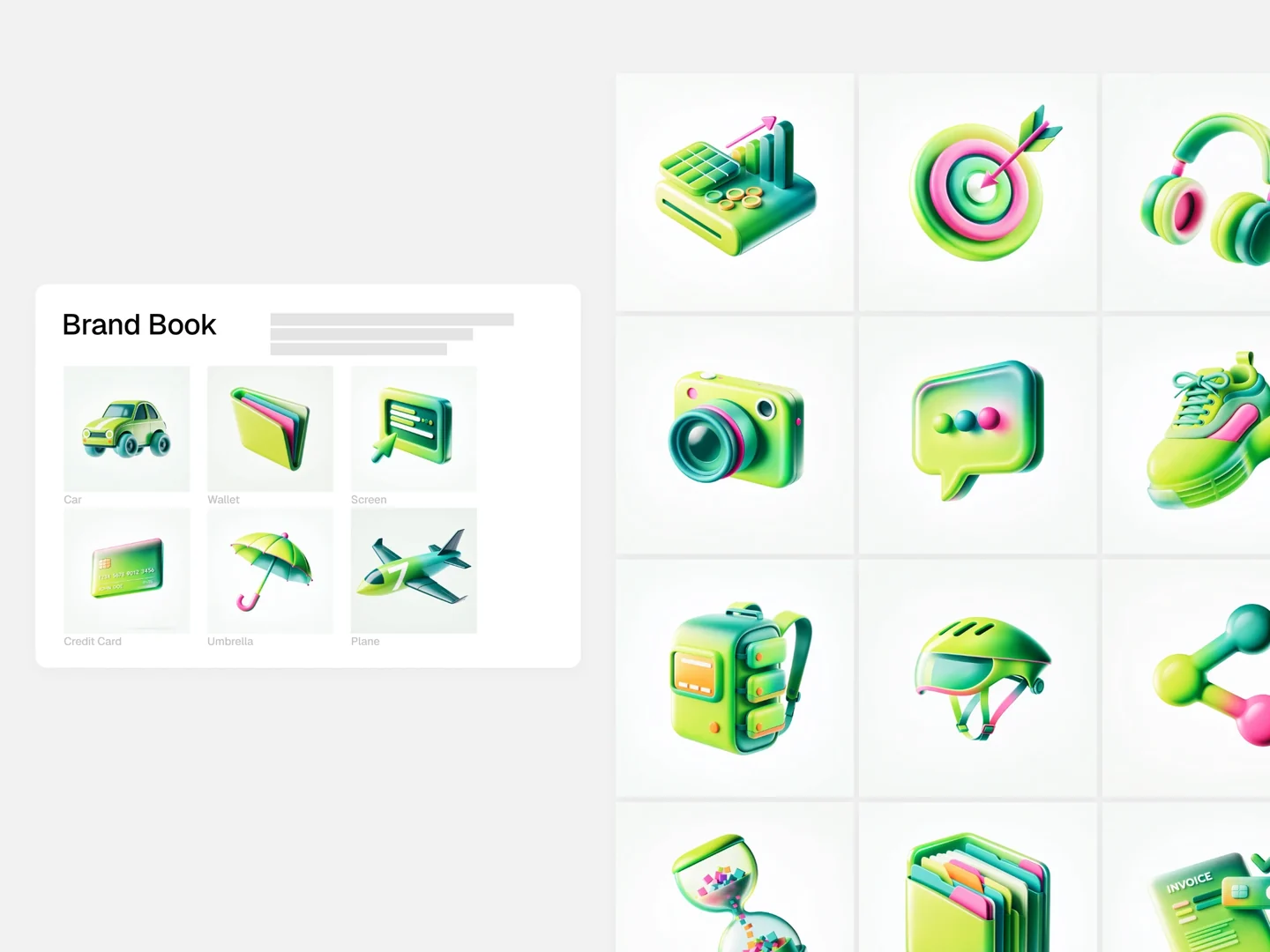
Use Recraft’s 3D render style to make a set of four isometric miniature scenes on white: a robot arm restoring a fresco, greenhouses inside a light bulb, a waterfall inside a glass shoe and a shuttle on its launch pad.
Illustrations in your brand style
Pick one of 100+ Recraft styles, or use a style you saved, so every image looks like part of one set.

Use Recraft with Nano Banana 2 to create a minimal photo of a chef plating a dish at a white counter against a plain grey wall.
An image with the model you prefer
Name a model you trust, like Nano Banana Pro or GPT Image, and Recraft uses it. Available on paid plans.
What you can do
Generate images and editable SVG files right in your AI chat. Recraft MCP connects Claude, ChatGPT, Cursor and other assistants to Recraft V4.1 and its Vector and Pro models, so a logo or an icon set comes back as a real vector file. Paid plans add GPT Image, Nano Banana, Flux and more.
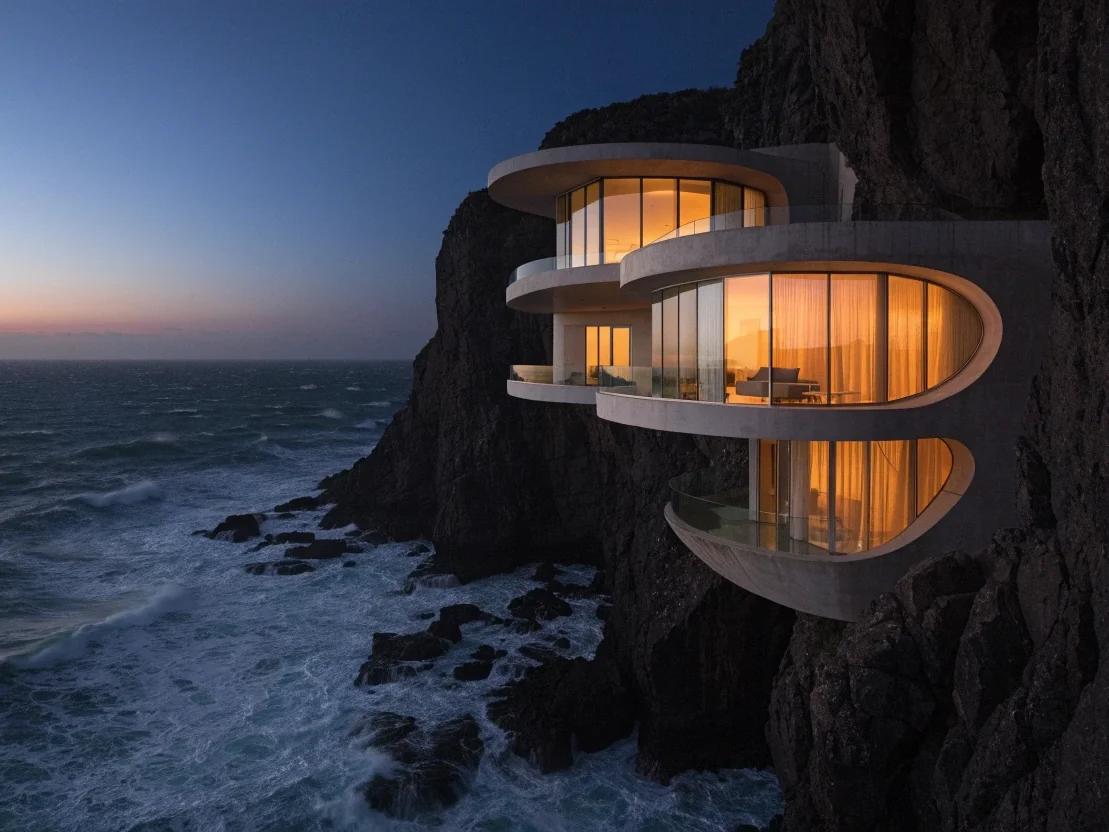
Finish the job in the same conversation. Ask your assistant to remove or replace a background, upscale an image, vectorize a PNG into a clean SVG or edit it with a plain-language prompt, with no separate editor.
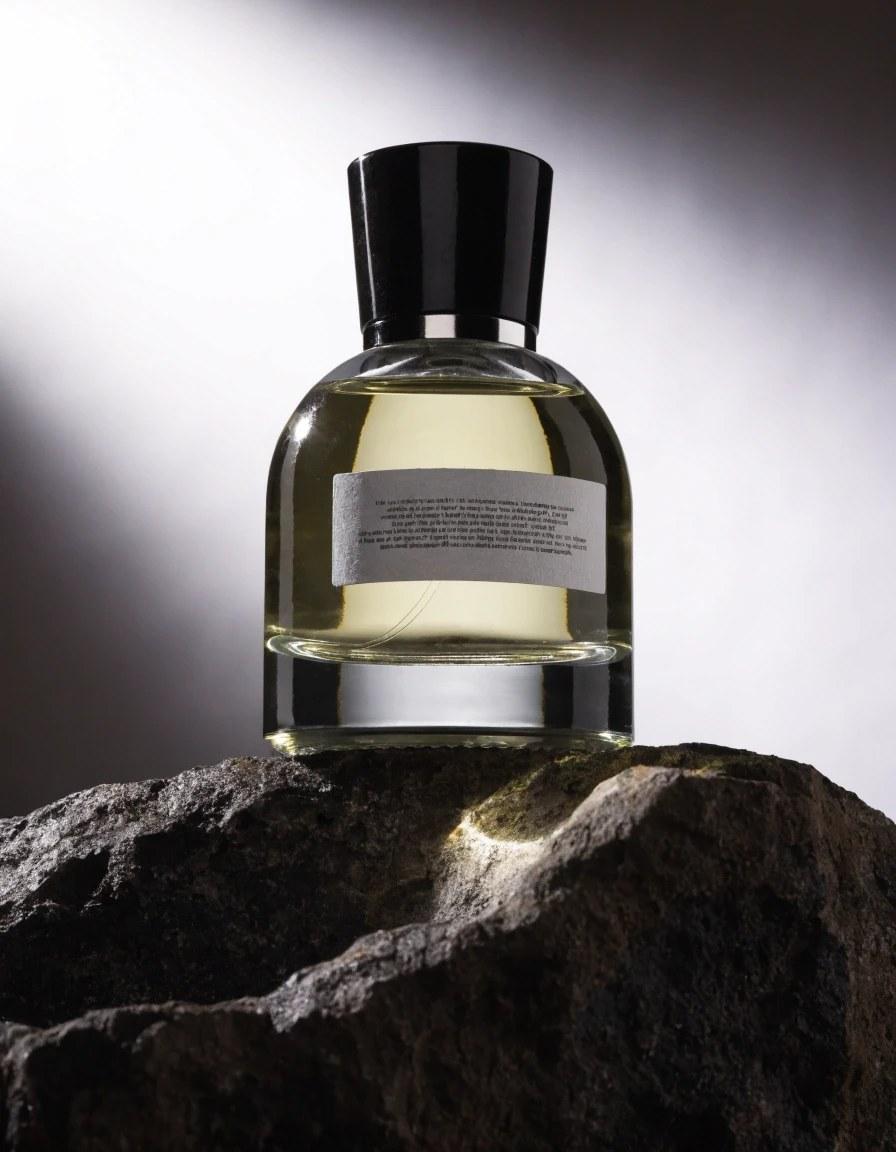 Before
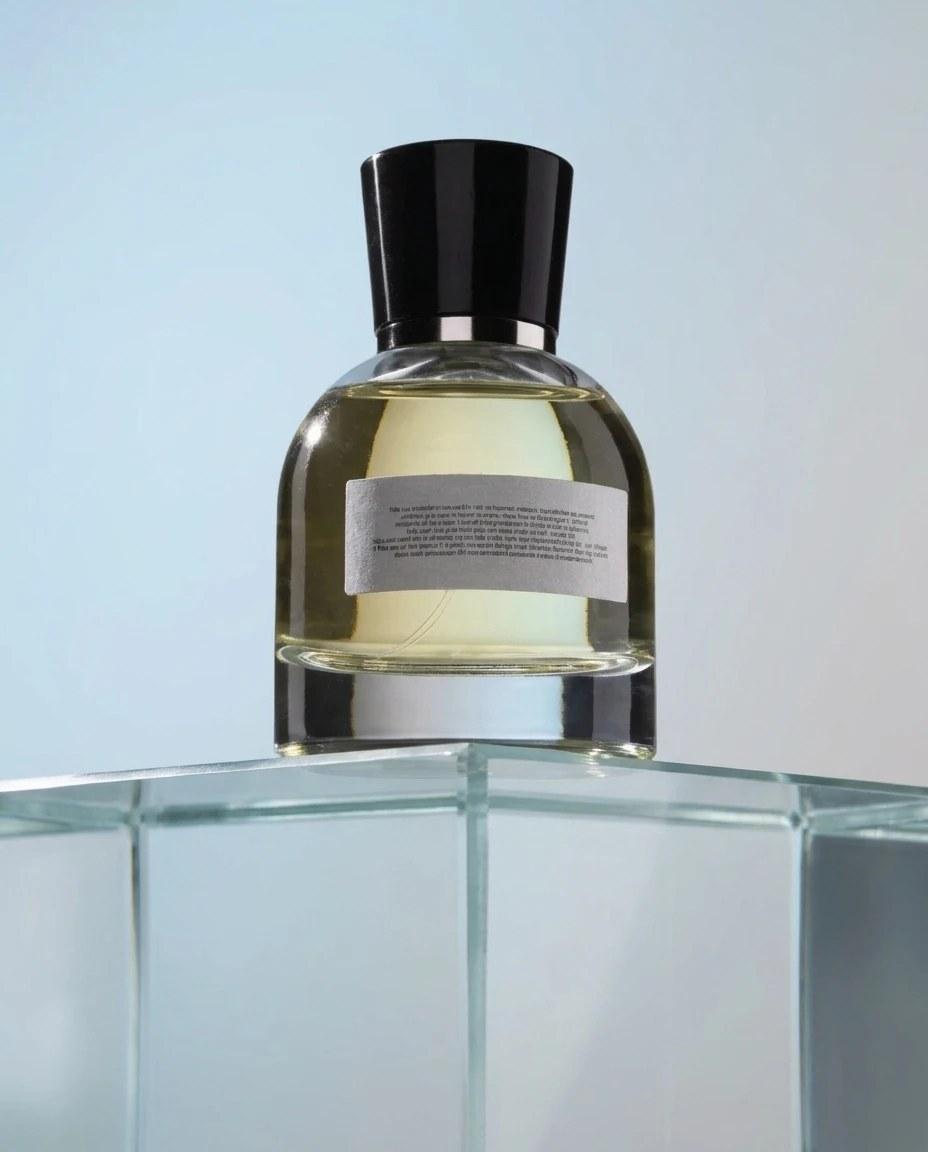 After
Keep every image on brand. Create a Recraft style from a few reference images, then use it by name in any chat. Logos, icons and illustrations come out in the same look, whichever assistant you work in.
Recraft MCP runs on your Recraft Studio plan and credits, free or paid. Connect the Recraft MCP server and sign in with your Recraft account, no API key needed. Every call shows the credits it used, and some external models are available on paid plans only.
One Recraft account in every assistant
How it works
Uses your Recraft plan and credits, the same as Recraft Studio. Free accounts include a limited number of credits.
- Step 1
Connect
Add Recraft to your AI assistant once, using the setup above.
- Step 2
Sign in
Sign in with your Recraft account. No API key; it uses your plan and credits.
- Step 3
Ask and get a file
Describe what you need. Recraft creates the image or SVG, and your assistant gives you the file.
Your next
is one prompt away
How to connect Recraft to Claude
Works in Claude on the web and in the desktop app.
Opens Claude with Recraft filled in. Click Add, then Connect.
Didn’t work?
- Free plans allow one custom connector. Remove yours in Customize → Connectors and try again.
- On Team and Enterprise plans, only an owner can add connectors. Send them this link.
Questions & answers
Last updated:
What is Recraft MCP?
The official Recraft MCP server. It connects your AI assistant to your Recraft Studio account: Recraft models, design tools and your styles, used from the chat through the Model Context Protocol.
Is this the official Recraft MCP server?
Yes. Recraft builds and runs this server at https://mcp.recraft.ai/mcp, and it signs you in with your Recraft account.
What is Recraft?
An AI design platform with its own image and vector models. Recraft Studio is its design tool, and Recraft MCP brings it into your AI assistant.
How do I connect?
Add the Recraft MCP server URL, https://mcp.recraft.ai/mcp, in your assistant's connector settings, then sign in with your Recraft account.
Which assistants does it work with?
Claude, ChatGPT, Gemini, Cursor, Claude Code, VS Code, OpenCode and any client that supports remote MCP servers. See all integrations →
Do I need an API key?
No. You sign in with your Recraft account.
What does it cost?
It uses your Recraft plan's credits, the same as Recraft Studio, not API units. Free accounts include credits; some models are available on paid plans only. See plans →
Can I get SVG files?
Yes. Recraft's vector models return a downloadable SVG on every plan.
Can I control spending?
Every call shows the credits it used, failed calls are free, and video asks you to confirm the cost first.
Does it replace ChatGPT's own image generation?
No. ChatGPT keeps its own; ask for Recraft or for an SVG and it uses Recraft.
Can Claude generate images?
Not on its own. With Recraft MCP connected, Claude creates images and SVG files with Recraft models. Read the Claude guide →
Where do my images go?
The assistant shows a preview and a link to the original file, SVG included. Images made through MCP don't appear in Recraft Studio.
Explore more
Docs, guides and other ways to use Recraft.
 Recraft MCP docsSetup steps for each assistant and for other MCP clients.
 How to generate images in ClaudeA step-by-step guide to creating images and SVG files in Claude with Recraft.
 AI vector generatorPrefer working on a canvas? Generate editable SVG files in Recraft Studio.
 Recraft APIBuild Recraft image and vector generation into your own product.